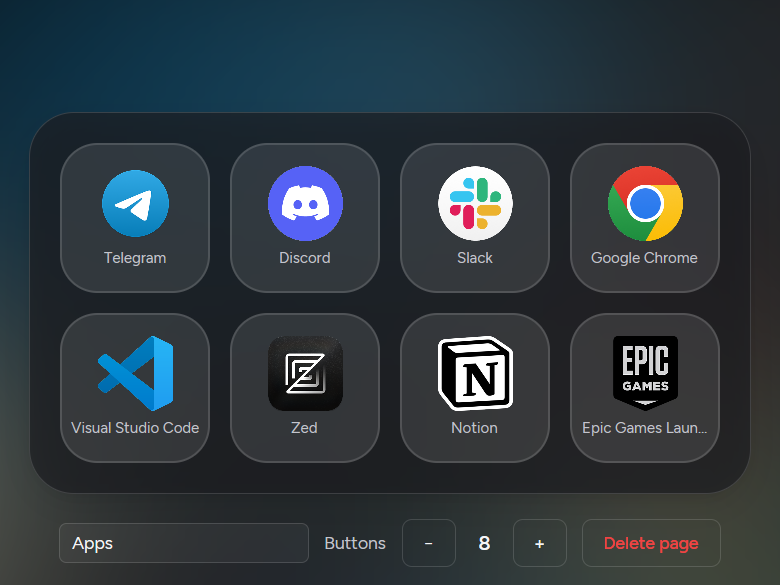
01/05 Apps
Your real apps, real icons.
Desk Deck finds what is installed and pulls each app’s icon in full color. You choose which apps your phones can see.
[ Desk Deck ] For Windows + Android
Desk Deck turns the phone in your pocket into a macro pad, a trackpad and a window switcher for your PC. Pair once over Wi‑Fi. Then just tap.
The phone app works with the free Windows app on your PC.
Go on, tap a tile. Every tile runs something on your PC.
[05] Film
Music: “Digital Clouds” by Alejandro Magaña, Mixkit. Sound effects: Mixkit.
01 Deck
Launch apps with their real icons, open websites, fire shortcuts, control media, or type a saved snippet into whatever window is in focus. Two pages free, up to eight with Pro, arranged by drag.
Tiles · Five kinds, mix freely
01/05 Apps
Desk Deck finds what is installed and pulls each app’s icon in full color. You choose which apps your phones can see.
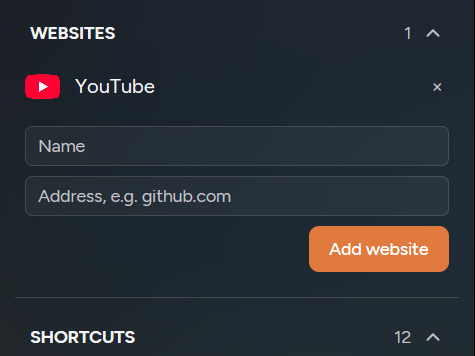
02/05 Websites
Give it a name and a link and the favicon is fetched for you. It opens in your default browser.
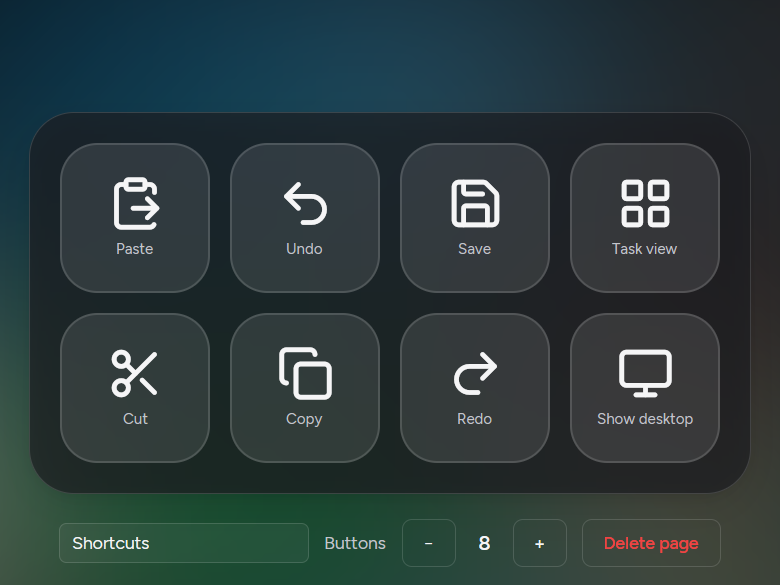
03/05 Shortcuts
The shortcuts you reach for all day, one tap each. On the desktop, press any combo to record it.
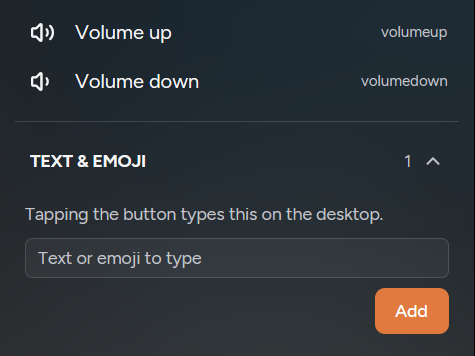
04/05 Text & emoji
Save a snippet, an address or an emoji. It types straight into whatever window has focus.
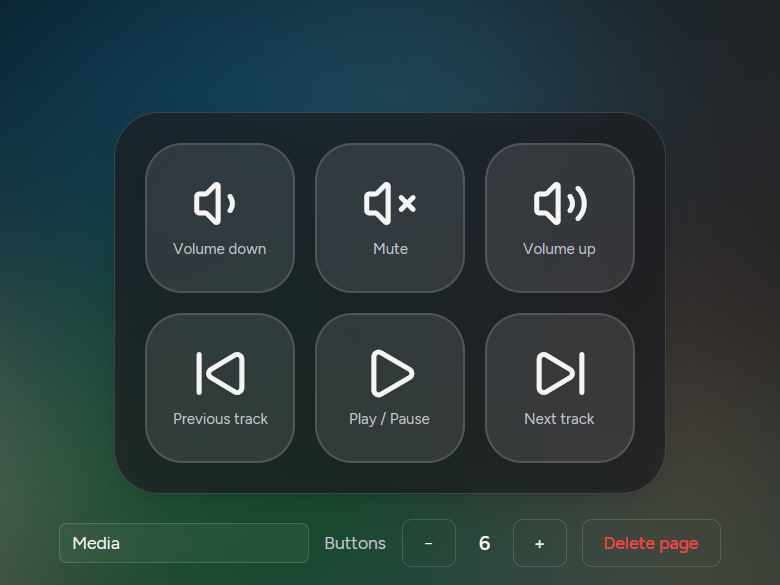
05/05 Media
The media keys your keyboard forgot, right under your thumb.
8×10
Rename and reorder pages, drag tiles into place. Every paired phone shares one deck.
2 pages free, up to 8 with Pro.
02 Trackpad
Move, click, drag, scroll and pinch, with momentum and natural scrolling if you like it. Ten three- and four-finger swipes and taps come ready to use. With Pro, each one can run any deck action.
[ Try it ] Right here
Drag across the pad. On a touchscreen, bring more fingers. This is how the trackpad page feels on your phone, minus the PC on the other end.
Drag here
1 finger · move
Tap an action to change it, like on the phone’s Gestures tab. The ten defaults are free. Picking your own actions needs Pro.
03 Timeline
A live stack of what is running on your PC. Bring one to the front, maximize or minimize it, close it, and pin the ones you live in.
Tap a card on the phone. Its window comes to the front.
04 Clipboard
Swipe down with two fingers to pull your PC’s clipboard onto your phone. Swipe up to send your phone’s clipboard back. Text only, and only between your two devices.
Swipe down with two fingers to pull your PC’s clipboard.
[ Privacy & security ] Local by design
Phone and PC talk directly over your network. No cloud, no account, nothing to sign up for.
Every connection uses TLS, and your phone pins your PC’s certificate, so an impostor can’t slip in.
Each phone gets its own access token. The desktop keeps only a hash of it.
A PIN lasts two minutes or five wrong tries. Then a new one appears.
Remove a phone on the desktop and it’s disconnected on the spot.
Pairing PIN
482913
No cloud. No account.
[ Details ] Every corner considered
The app stays in portrait. Icons, labels and page swipes rotate to match however you hold it.
A full emoji panel and a free-text box for when a tile won’t do.
Close the window and Desk Deck keeps running in the tray. Or let it start with Windows.
Pair more than one phone. They all share the same deck.
Haptic feedback on every tap, so your thumb knows it landed.
Keep the screen on while you work, so your deck is always one glance away.
[ Themes ] Each phone picks its own
Warm, Neutral, Graphite and AMOLED. Try them on this page; the whole site changes with you.
DynamicColors pulled from your own icons
[ Pricing ] Free to start, pay once for more
Free: 2 deck pages and the 10 default gestures. Pro: up to 8 pages and custom gesture actions. No subscription and no account. Buy Pro once, paste the key into the Windows app, and every paired phone gets it.
| Free$0 | Pro$12 one-time | |
|---|---|---|
| Pages | 2 | Up to 8 |
| Tiles per page | 3–10 | 3–10 |
| Trackpad gestures | The 10 defaults | Any action on any of the 10 |
| Timeline, clipboard swipe, emoji, themes | Included | Included |
| Phones | As many as you like | As many as you like |
| License | None needed | One key, one PC at a time |
| Download | Buy Pro |
[ Specs ] The fine print, up front
8pages with Pro
10tiles per page
10gestures
0cloud servers
[ FAQ ] Quick answers
No. Your phone and PC talk directly over your local network. The only internet requests are fetching a website’s icon when you add a website tile and, if you buy Pro, checking your license key.
Yes. Free gives you 2 deck pages and the 10 default trackpad gestures. Pro is an optional one-time purchase for up to 8 pages and custom gesture actions. See pricing.
Yes. Any phone on Android 8.0 or newer works. Leave it on your desk, keep the screen awake, and use it as a macro pad for apps, websites, shortcuts, media keys and text snippets on your Windows PC.
Yes. The trackpad page moves the pointer, clicks, drags, scrolls and pinches, and ten three- and four-finger gestures come ready to use. With Pro, each one can run any deck action.
Only if you buy Pro: the app sends your license key, your computer’s name and an activation ID to our reseller, Dodo Payments, to check the key. There are no accounts, analytics or crash reports. Your deck, settings and pairing keys stay on your two devices. See the privacy policy.
Not yet. Desk Deck runs on Windows and Android today. macOS and iOS are on the way. Join the Mac and iPhone waitlist.
Yes. Pair as many as you like. They all share the same deck, and you can rename or remove any of them on the desktop.
Install Desk Deck on your PC, grab the Android app, and pair in under a minute.
The phone app works with the free Windows app on your PC.